 Luka
 NiklasAn expert from our team shows you mika liveA live demo, tailored to your companyYour questions on bookkeeping and German paperwork answered on the spot15 minutes on a video call, free and with no strings attachedLukaNiklasAn expert from our team shows you mika liveA live demo, tailored to your companyYour questions on bookkeeping and German paperwork answered on the spot15 minutes on a video call, free and with no strings attached
Your client accepts your quote in the email, and you turn it into the invoice. It goes out as an e-invoice in your design, and mika books it. If they pay late, you send the ready-made reminder with one click. When the money arrives, mika matches it to the invoice.
LukaNiklasAn expert from our team shows you mika liveA live demo, tailored to your companyYour questions on bookkeeping and German paperwork answered on the spot15 minutes on a video call, free and with no strings attachedHow it worksYour client accepts the quote, you turn it into the invoice, and a week after it falls due the first reminder goes out.
New to e-invoicing?
A PDF by email won't be enough then. In mika, every invoice you write is already an e-invoice. Your client's software reads it in automatically.
Already writing invoices somewhere else?
Today you write the invoice in one tool and then send it on to your bookkeeping. In mika you click “Finalize”, and it's booked.































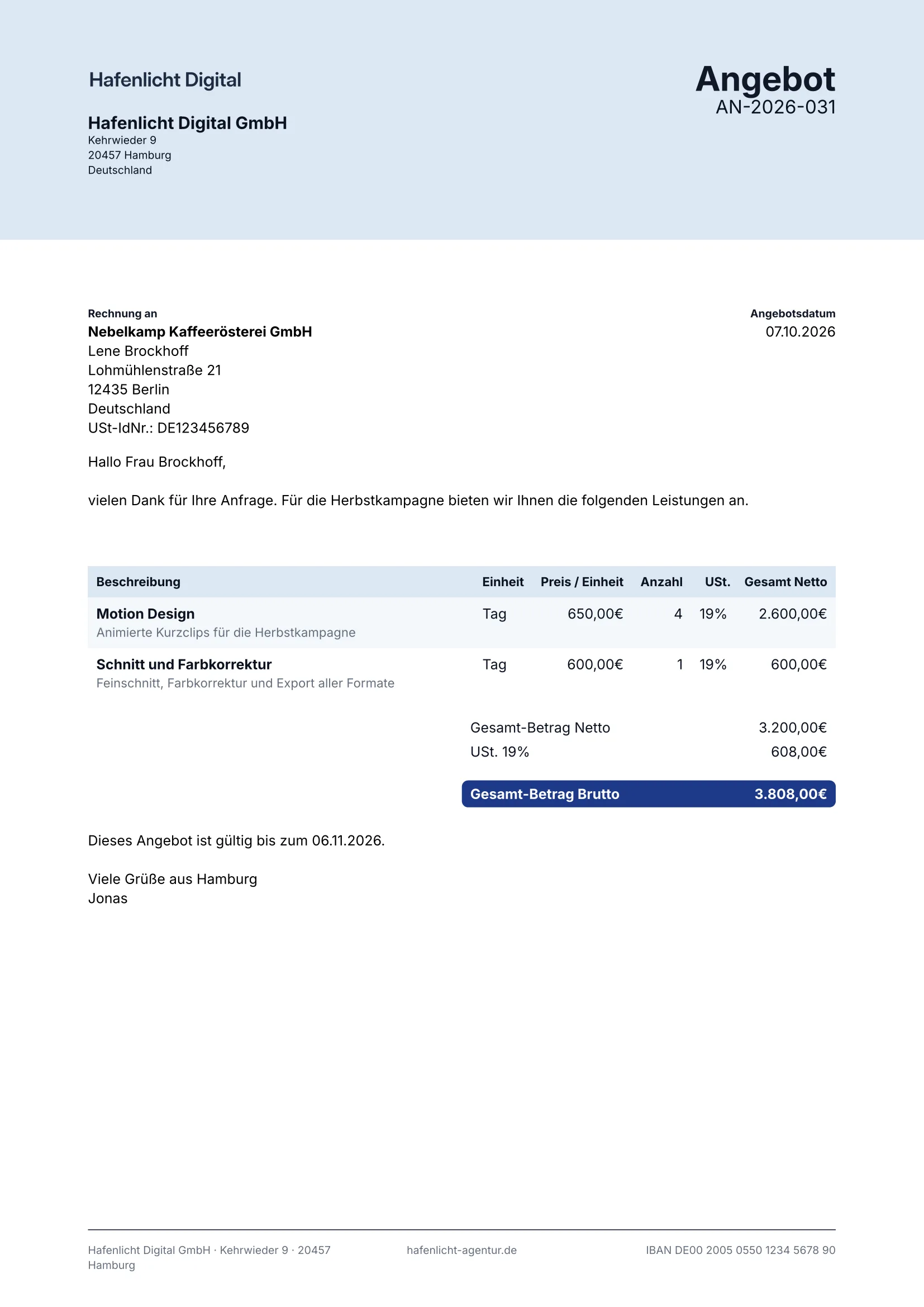
Nebelkamp Kaffeerösterei GmbH, a coffee roastery, needs motion design and editing for its autumn campaign. You send them the quote for €3,808.00 from mika. Lene Brockhoff from marketing clicks “Angebot annehmen” (accept) in the email, and mika lets you know.
On the accepted quote you click “Create order confirmation” and enter PO number 4500018834. mika takes everything else from the quote. The confirmation goes to Nebelkamp as a PDF, and the number appears on the invoice later too.
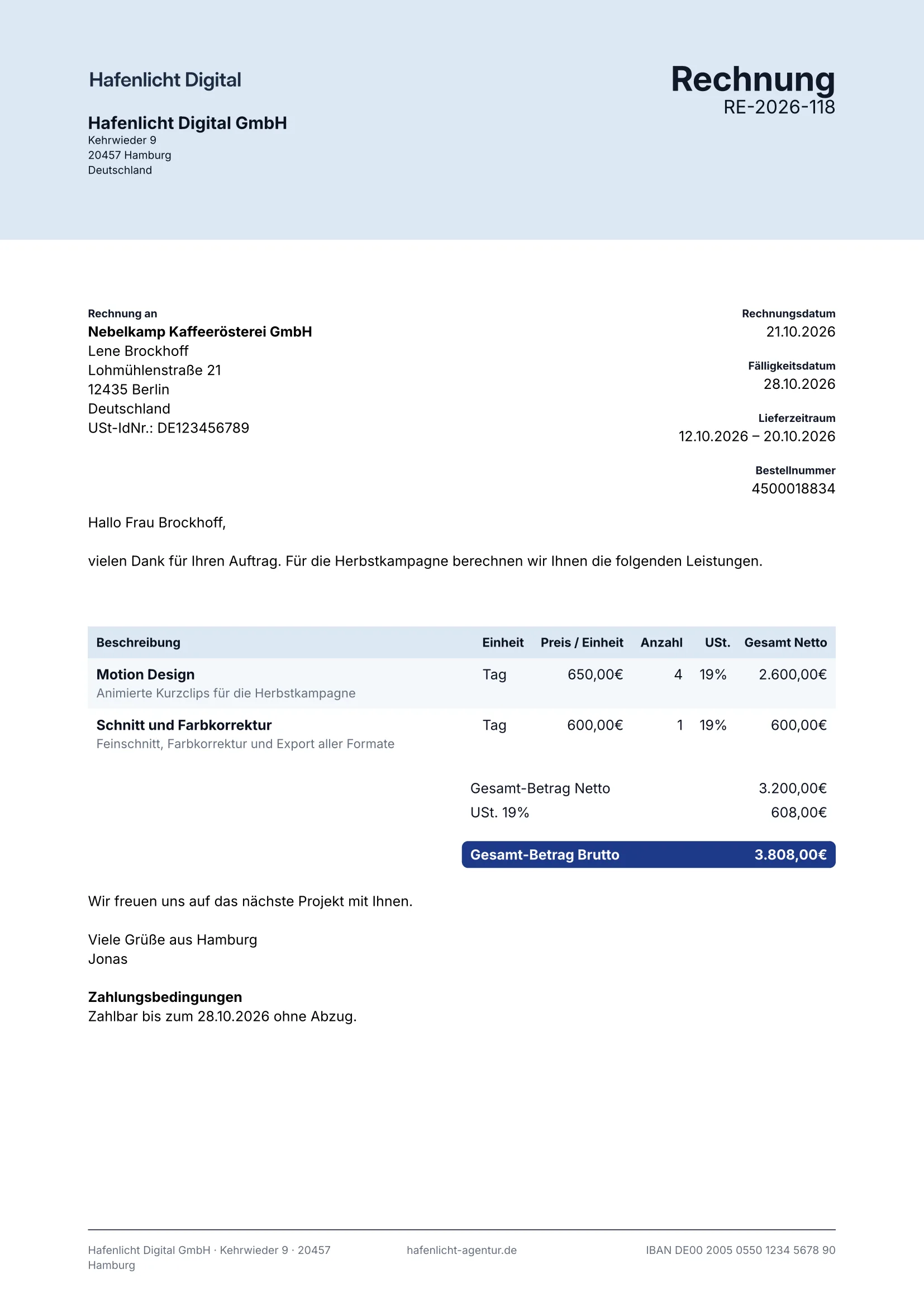
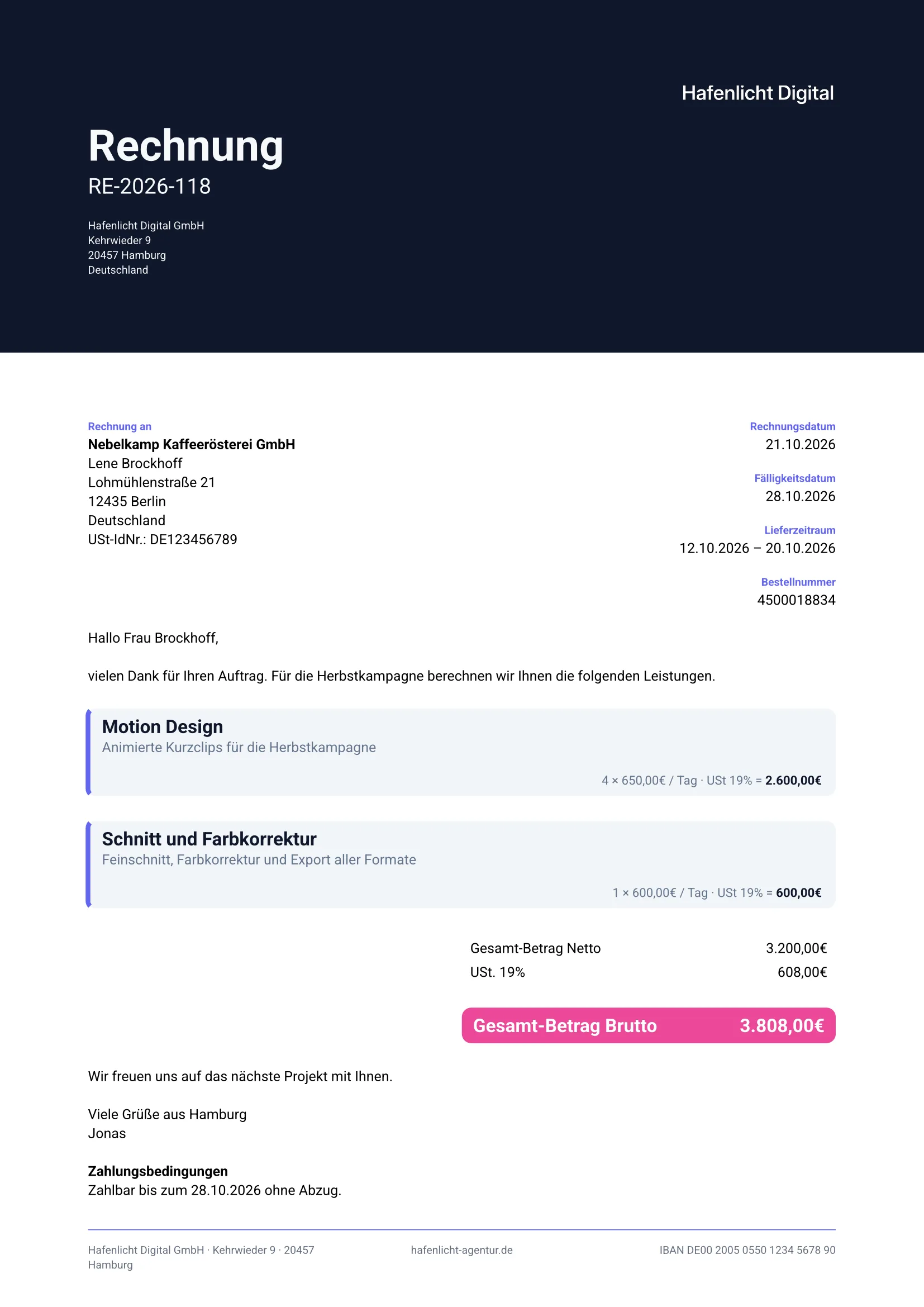
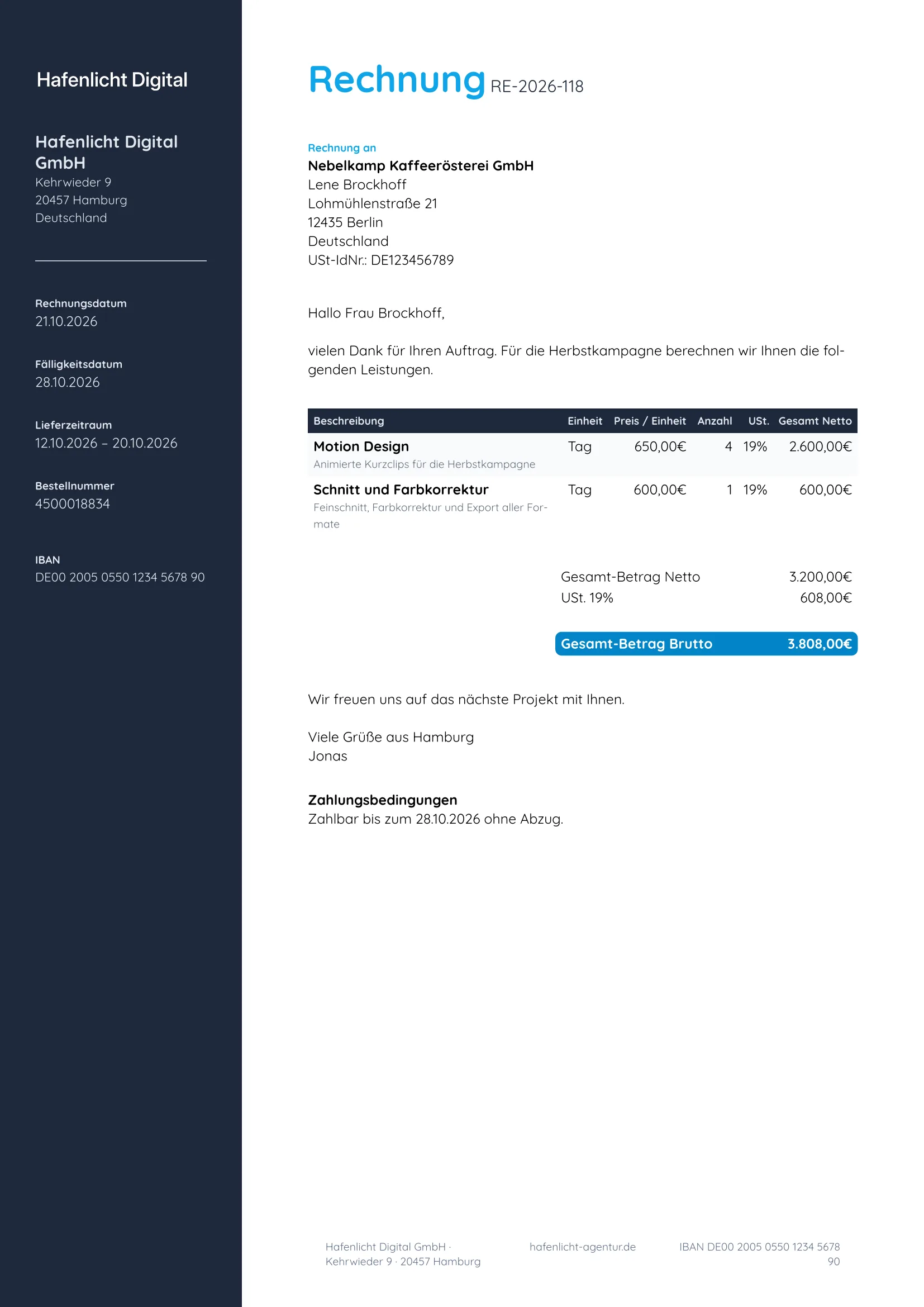
You click “Convert to Invoice”. Draft RE-2026-118 already has all the line items and the PO number. You enter the service period and click “Finalize”. mika checks the e-invoice and books it. The revenue shows live in your BWA, your company's monthly report. Then you send the email, with the PDF and the e-invoice attached.
On 4 Nov, payment reminder 1 is waiting in your todos, the list of things mika needs from you. It's already written, with the invoice attached. You read it over and click “Send reminder”.
On 6 Nov Nebelkamp transfers the €3,808.00, and mika matches the payment to the invoice. The second reminder, due on 11 Nov, never goes out.
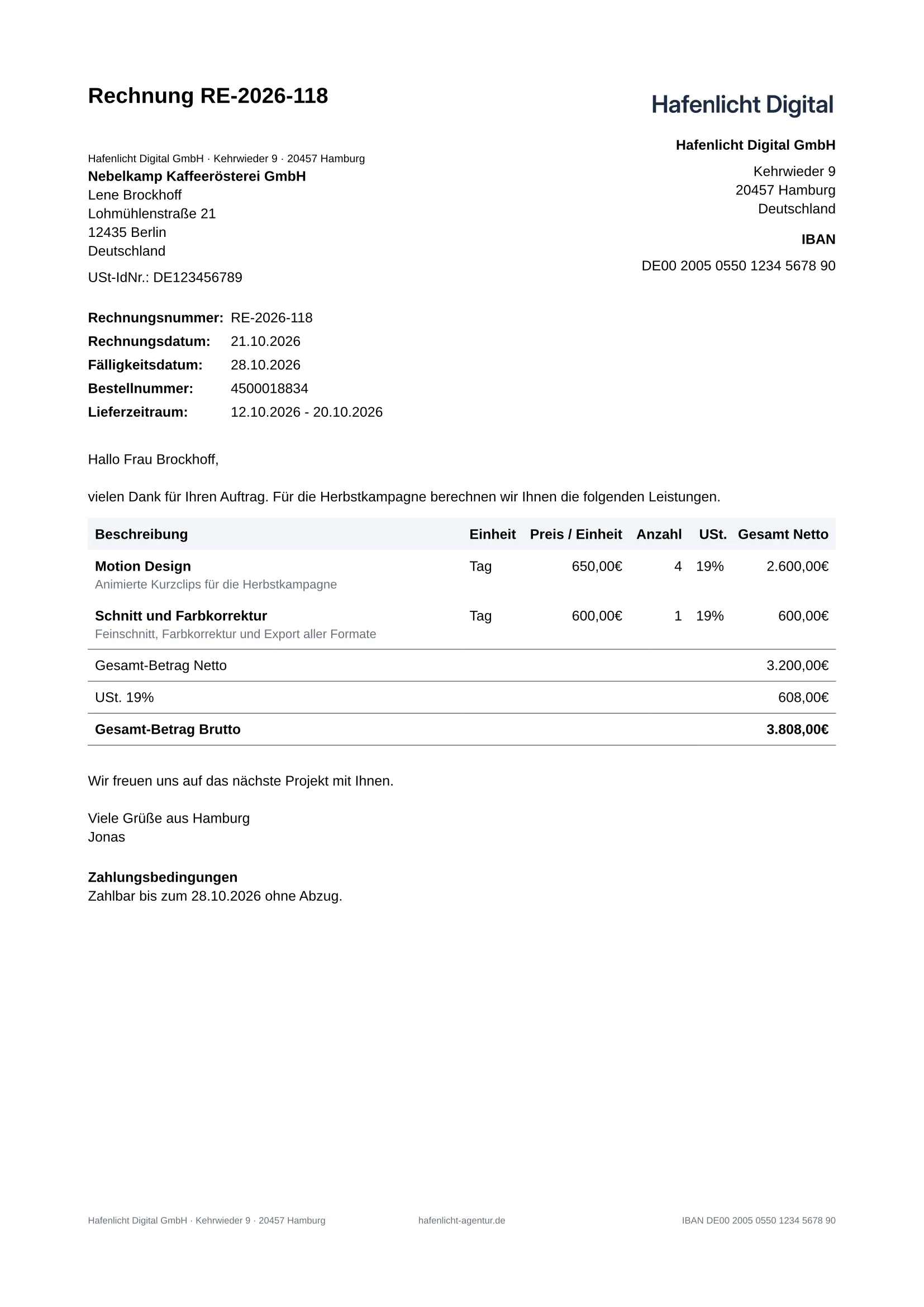
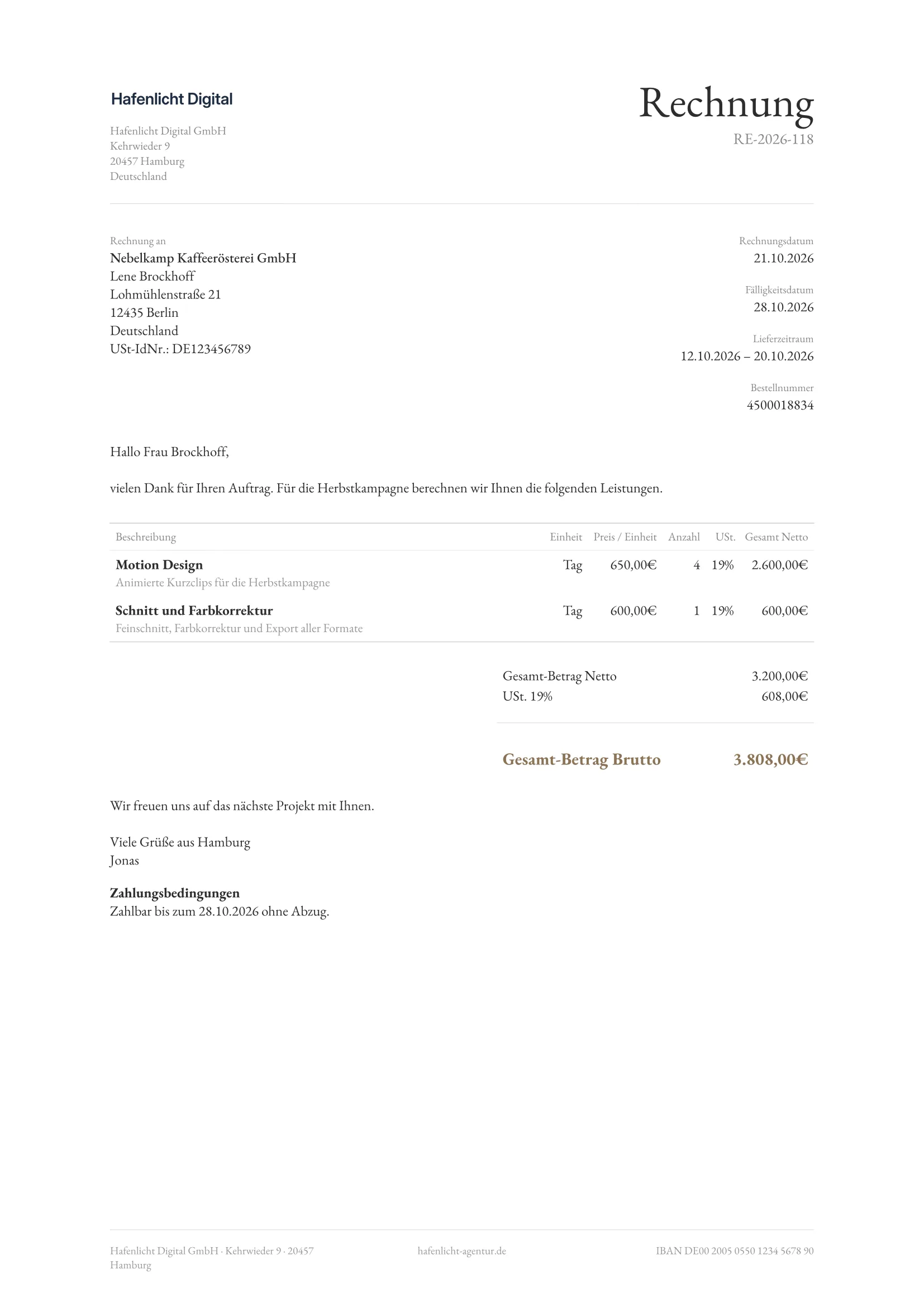
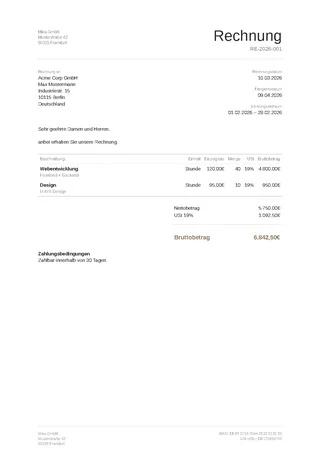
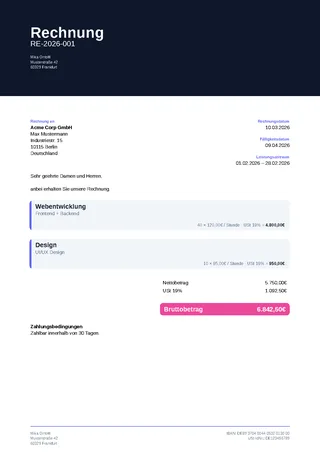
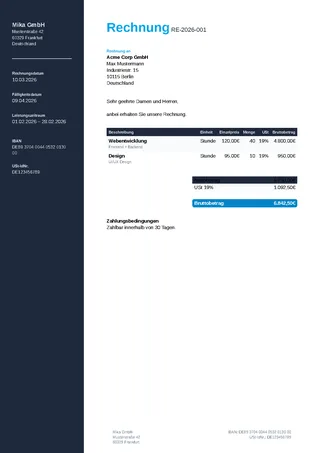
You pick one of the five templates and add your logo and colours. The preview shows every change straight away. Set the design as your default, and every new invoice looks like that.
You switch payment reminders on in the settings. The default has three steps at 7, 14 and 28 days, and the texts are already written. For each step you decide whether you send it from a todo with one click or mika sends it automatically.
LukaNiklasAn expert from our team shows you mika liveA live demo, tailored to your companyYour questions on bookkeeping and German paperwork answered on the spot15 minutes on a video call, free and with no strings attachedYour client Werft 7 GmbH pays you €1,200.00 net every month for website maintenance. You make the invoice recurring once, monthly from 1 November. From then on mika sends it on the first of each month, with the previous month as the service period.
You add clients and services once. Type “Motion” in your next invoice, and your product “Motion Design, Tagessatz” (day rate) at €650.00 comes up first. Below it are the line items you used most recently.
 There's a mistake on an invoice you've already sent? You click “Edit”. mika cancels the old invoice, books the cancellation and creates a copy with a new number. You correct it and finalise it.
 Your client is in the Netherlands? You write the invoice to your client Duinlicht Studio B.V. in Haarlem in English and switch on Reverse Charge. The invoice then carries the note that your client owes the VAT. If there's no VAT ID saved for them, mika warns you.
 Your client is a public authority? Then every invoice needs the authority's Leitweg-ID, the German routing number for public sector invoices. You enter it once for the client, and mika puts it on every new invoice. If the check digit is wrong, mika warns you.
 Your client wants to pay quickly? They scan the QR code in the email with their banking app, and the transfer is already filled in.
 You're out and about? Then you send the payment reminder from the mika app on your phone.
 You'd rather write in a chat? If Claude or ChatGPT is connected to mika, you write: “Make me a quote for Werft 7 for two more shooting days.” You'll find the draft in mika afterwards.
Invoice and quote creation are natively integrated.
For me as a solo entrepreneur, mika is a real game changer: I get the bookkeeping quality I am used to at a fraction of what a tax advisor costs.
Thank God there is mika. For about a year now our entire financial accounting has run through it, without me as a founder having to put much time into it.
For me, that is the real advantage over classic accounting software: the data is not locked inside the tool, it can be processed further.
Quotes, payment reminders and recurring invoices cost nothing extra.
Mika prepares your bookkeeping, your tax advisor the annual financial statements
from
/month *
LukaNiklasAn expert from our team shows you mika liveA live demo, tailored to your companyYour questions on bookkeeping and German paperwork answered on the spot15 minutes on a video call, free and with no strings attachedas an alternative to bookkeeping from a tax advisor + accounting software
Mika does your bookkeeping and annual financial statements
from
/month *
LukaNiklasAn expert from our team shows you mika liveA live demo, tailored to your companyYour questions on bookkeeping and German paperwork answered on the spot15 minutes on a video call, free and with no strings attachedas an alternative to accounting & annual financial statements from a tax advisor
Mika does your bookkeeping and provides you with a partner tax advisor for the annual financial statements
LukaNiklasAn expert from our team shows you mika liveA live demo, tailored to your companyYour questions on bookkeeping and German paperwork answered on the spot15 minutes on a video call, free and with no strings attachedas a complete alternative to your current tax advisor
* Prices vary depending on the number of expected monthly receipts and transactions. You will receive an individual offer from us.
Cost comparison
Work out with your own figures what mika costs and what a traditional tax firm costs.
Since 1 January 2025, every company in Germany has to be able to receive e-invoices from other companies. From 1 January 2027, companies with more than €800,000 in revenue in 2026 have to issue them too. From 1 January 2028, this applies to every company. Small invoices up to €250 and travel tickets are exempt.
Your invoices go out as XRechnung, the German e-invoice standard. The XRechnung is attached to the email as its own file and is also embedded in the PDF. Your client's software reads the data, and anyone who'd rather look opens the PDF.
mika checks every e-invoice when you finalise it, against the official rules of the European standard EN 16931 and the German XRechnung standard. If something is missing, such as your client's email address, mika shows you what, and you add it.
No. When you click “Finalize”, mika books the invoice on the invoice date, and the revenue shows live in your BWA, the German monthly management report. When the payment arrives in your bank account, mika matches it to the invoice. Our accountants review your bookings.
You switch them on in the settings under Invoice Creator. The default has three steps, 7, 14 and 28 days after the due date. The texts in German and English are ready, and you can adjust them. For each step you choose whether you send the email from a todo with one click or mika sends it automatically. The invoice is attached as a PDF every time.
As soon as mika has matched the payment to the invoice, no further reminder goes out. An open reminder todo closes by itself.
Your client clicks accept in the email, and mika lets you know. With one click you turn the accepted quote into an order confirmation or straight into the invoice. If your client says yes on the phone, you click “Accept Offer” in mika yourself.
It confirms to your client in writing what they ordered and at what price. If their purchasing team gives you a PO number, you enter it here. It then appears on the invoice and in the e-invoice too. When the work is done, you click “Convert to Invoice”.
Yes. In the settings you enter your prefix, such as RE-2026-, and the next number. mika carries on from there, and the preview shows you the next number. Invoices, quotes and order confirmations each have their own number range.
Yes. mika reads XRechnung and ZUGFeRD invoices like any other receipt and books them, even if only the XML file arrives.
Yes. Every company starts in read mode, and we switch on writing for your company whenever you like. Then your assistant creates invoices, uploads receipts, matches them to payments, prepares the payment run and keeps your cost centres up to date. Writes only after you confirm: your assistant asks before it changes anything.
All data on German servers, GDPR compliant, AWS infrastructure in Frankfurt. mika is built along the GoBD principles for proper bookkeeping in electronic form. Authentication with two-factor (a TOTP authenticator app).
LukaNiklasAn expert from our team shows you mika liveA live demo, tailored to your companyYour questions on bookkeeping and German paperwork answered on the spot15 minutes on a video call, free and with no strings attached